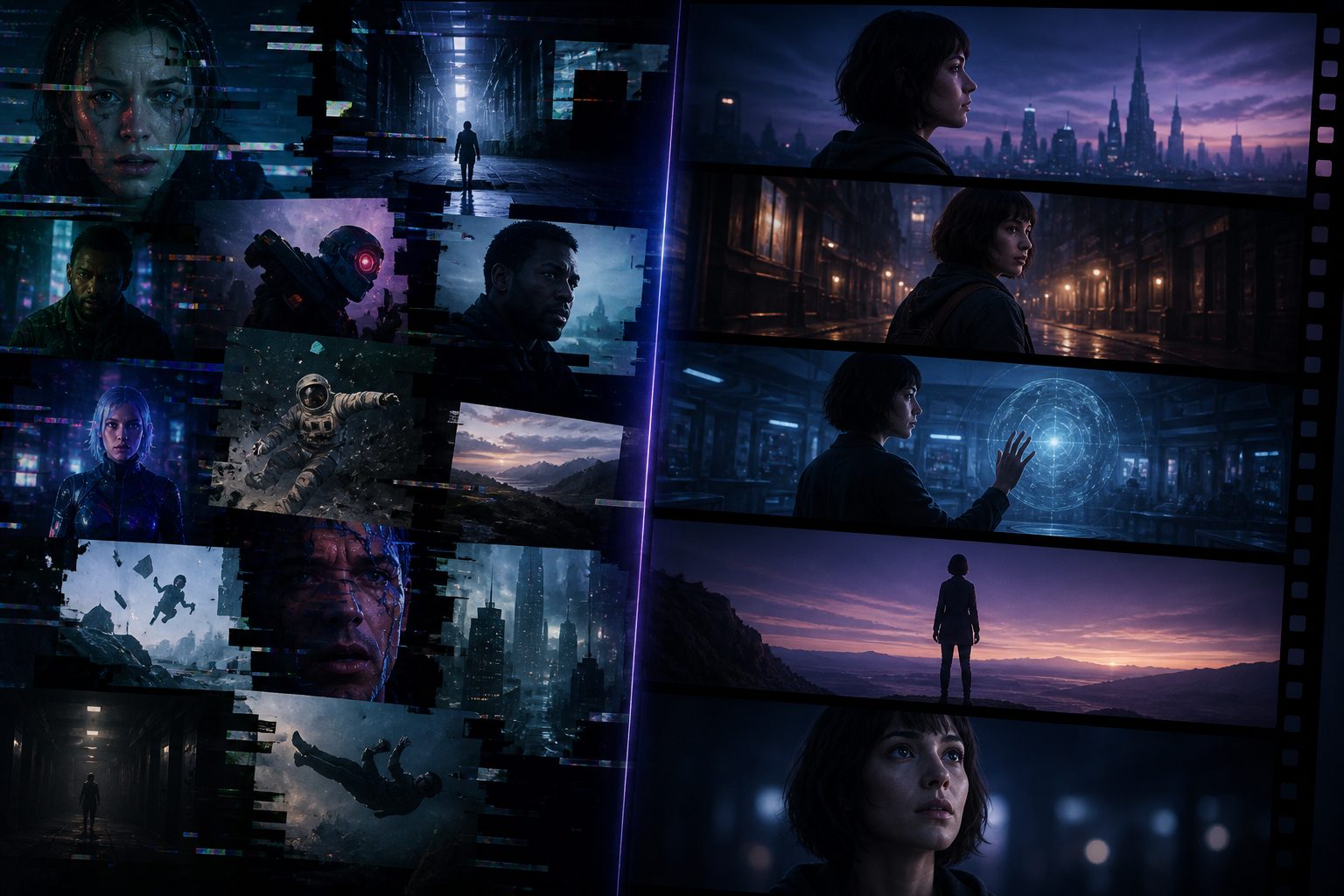
Seedance 2.5: 30-Second AI Video, 50 Reference Images, and Native Audio Sync
Seedance 2.5 is ByteDance's next-generation AI video model. 30-second native generation, up to 50 reference images for consistent characters, and native audio-visual sync. Coming to MakeClipAI on July 18.
If you've made AI videos for more than a week, you've hit this wall:
You spend 20 minutes dialing in a prompt. The model gives you 4 seconds. Looks great. But you need 30 for a TikTok.
So you split it. Five segments, five generations. Segment one has a guy with blue eyes. Segment three — brown. Segment five, the background jumped from an office to a beach. Segment six? The guy just vanished.
You stitch everything together in CapCut. Add a voiceover. Export. The first 4 seconds and the last 4 seconds don't even look like the same video.
This is the state of AI video in 2026. Every tool makes impressive 4-second clips. None of them hold together for 30.
Seedance 2.5 is the first model that actually tries to solve this.
What makes it different
30 seconds in one shot
Most models max out at 10 seconds — 4 if you're on an older one. You go longer, you split. Every split introduces inconsistency: different lighting, different character appearance, different motion feel.
2.5 goes 30 seconds in a single generation. One prompt, one pass. A complete YouTube Short or TikTok, start to finish.
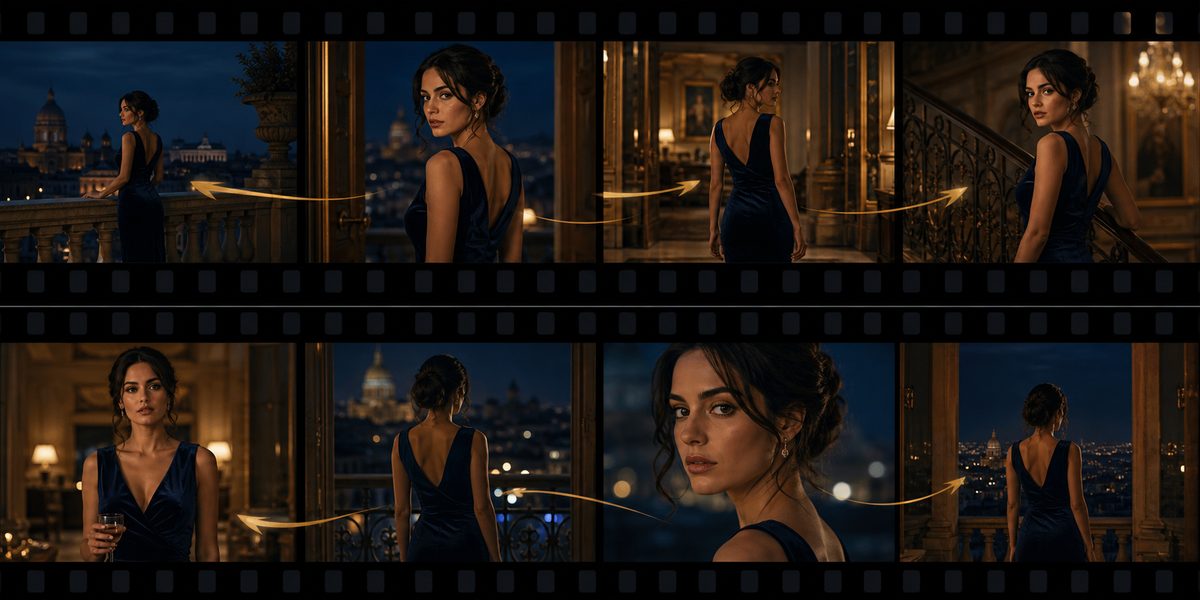
The jump from 10 to 30 seconds isn't incremental. It changes what kind of content you can make. At 10 seconds, you're making clips. At 30, you're making videos.
50 reference images
Character consistency is the #1 complaint about AI video. Every cut risks a different face.
2.0 already handled 8-14 reference images, which was better than most. 2.5 goes to 50.
Here's what 50 reference images actually unlocks:
For storytellers: Load front, side, back, close-up, full-body, different expressions, different lighting — all into one generation. The character looks the same in wide shots, close-ups, and every angle in between.
For ecommerce: Dump 50 product photos from different angles into the model. Get a 30-second product demo where the product stays consistent in every frame. No reshoots, no manual masking.
For brand content: Your logo, your packaging, your color scheme — feed it all in. The model keeps your brand consistent across all 30 seconds.
Native audio + lip sync
The current workflow for talking-head content is absurd:
- Write a script
- Generate video (no audio, obviously)
- Record or generate voiceover
- Run it through a lip-sync tool like SyncLabs
- Manually align the audio track
- Export and hope the mouth movements don't drift
2.5 reportedly handles audio natively. Lip-sync, ambient sound, everything in one pass. If you make talking-head content, podcast clips, or narrative videos, this kills the most frustrating part of your pipeline.
Native 4K
Most AI models top out at 720p or 1080p. 2.5 outputs 4K natively. No upscaling, no artifacts. The footage is ready for professional use right out of the model.
The SeeDream 5.0 connection
Worth mentioning: Seedance 2.5 pairs with SeeDream 5.0, which is launching around the same time.
SeeDream 5.0 handles image generation with precise text rendering (no more misspelled words in AI images). The workflow we're seeing creators adopt:
- Generate reference images with SeeDream 5.0 — consistent character designs, product shots, scene layouts, all with proper text
- Feed them into Seedance 2.5 — animate them into 30-second videos with consistent characters, native audio, and 4K output
Together they form a complete pipeline: design → animate → publish. No other tool chain does this in one place right now.
Three types of creators who should pay attention
1. The Shorts/TikTok creator
You post daily. Every video needs to be 15-60 seconds. Currently you're either recording yourself or stitching together 3-5 AI clips every day.
With 2.5, you write one prompt and get a complete short-form video. No editing, no stitching, no character inconsistency.
Real example: A faceless channel doing "30 interesting facts" videos. Previously: 6 generations, 20 minutes of editing, 3 characters that didn't match. With 2.5: one generation, done.
2. The ecommerce operator
You need product demo videos for listings, ads, and social. Currently you're either filming (expensive) or stitching together inconsistent AI clips.
Feed 50 product photos into 2.5, write a prompt describing the demo, and get a 30-second product showcase. The product looks the same in every frame. The lighting is consistent. No reshoots.
3. The podcaster turning episodes into clips
You want to turn podcast highlights into talking-head videos for social. Currently you record audio, generate some b-roll, and manually sync everything.
With Seedance 2.5's native audio generation, you write a script or paste your transcript, and the model generates a lip-synced video. No separate audio tools, no sync headaches.
What the workflow looks like
Before 2.5: Write script → split into 3-5 chunks → generate chunk by chunk → pray characters match → stitch in editor → add audio separately → run lip sync → export → pray again
After 2.5: Write script → drop reference images → one generation → done. Video and audio already synced.
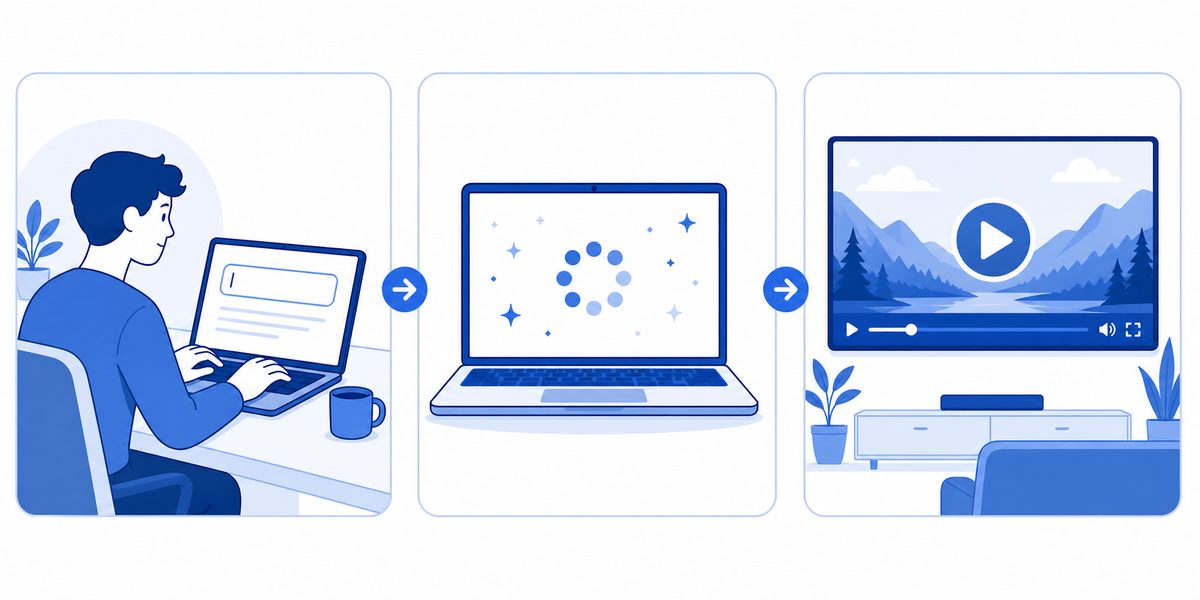
That's the difference between assembling IKEA furniture and having it show up fully built.
What we don't know yet
Let's be honest — we haven't tested 2.5 ourselves. The API isn't live yet. Everything above is based on what ByteDance has shared publicly.
What we'll verify as soon as it drops:
- Real-world consistency: Does the character actually stay consistent across all 30 seconds, or does it drift toward the end?
- Audio quality: Is the lip-sync accurate enough for professional talking-head content, or does it have that uncanny valley feel?
- 4K quality: Is native 4K actually sharp, or does it look like upscaled 1080p?
- Generation speed: 30-second generations take longer — how long are we actually waiting?
- Prompt adherence: Does it follow complex prompts reliably, or does it lose track halfway through?
We'll publish benchmarks within 48 hours of the API going live.
When can you use it?
July 18 on MakeClipAI.
We're watching the upstream API. The moment it's stable, we're turning it on. Until then:
- Run Seedance 2.0 right now — it's live on the generate page
- Drop your email below — we'll notify you the moment 2.5 goes live
- Subscribe to the blog — benchmarks and real-world tests coming as soon as the model drops
FAQ
Is Seedance 2.5 available on MakeClipAI right now?
Not yet. The API should land around July 18. We'll enable it as soon as our testing confirms it's stable.
What's the actual difference between 2.0 and 2.5?
2.0: 10 seconds max, 8-14 reference images, no native audio, max 1080p. 2.5: 30 seconds, 50 references, native audio + lip sync, native 4K.
They're not competing in the same category.
Can I use Seedance right now?
Yes. 2.0 is available on the generate page for all plan tiers.
Will 2.5 cost more credits?
Pricing depends on upstream costs. We'll announce it when the model launches.
How does Seedance 2.5 compare to Sora / Kling / Hailuo?
We'll run head-to-head comparisons as soon as 2.5 is live. Subscribe to get the results.
Ready to create your own AI video?
Turn the ideas from this guide into a finished clip with MakeClipAI. Start with the generator for a quick prompt, or use AI Director mode when you want a multi-scene storyboard.
Author
Categories
More Posts

AI Video Model Comparison: Best AI Demo Video Model?
I ran the same AI demo video prompts through Kling, Seedance, Hailuo and LTX on MakeClip AI. Side-by-side results, real costs, and which model wins.

Gemini Omni Video: Google's multimodal video model lands on MakeClipAI
Google's Gemini Omni Video is now available on MakeClipAI. It's the first multimodal model on the platform — accepts images, video clips, character references, and audio all in one request.