
Gemini Omni Video: Google's multimodal video model lands on MakeClipAI
Google's Gemini Omni Video is now available on MakeClipAI. It's the first multimodal model on the platform — accepts images, video clips, character references, and audio all in one request.
A couple of weeks ago, I wrote about how choosing the right model depends on what stage your video is at. The models I covered — Kling, Seedance, Veo 3, Hailuo — all work roughly the same way: give them a prompt, maybe a reference image, and they generate a clip.
That's about to change.
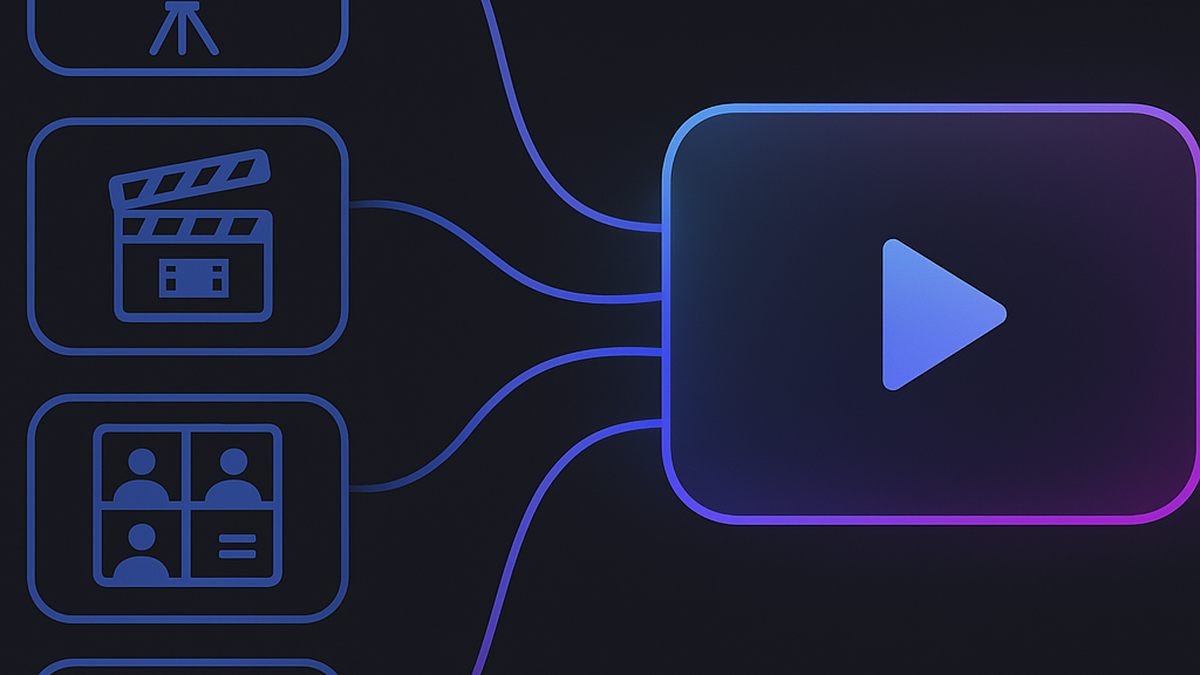
Google's Gemini Omni Video just landed on MakeClipAI via the kie.ai marketplace, and it's the first model on the platform that genuinely thinks in multiple modalities at once. You're not just text-to-video anymore. You can feed it images, video clips, character IDs, and audio — all in the same request — and it weaves them into a coherent output.
I've been testing it for a few days. Here's what it actually changes about how I think about AI video prompts.
What makes "Omni" different
Most AI video models treat your prompt as a description. You write "a futuristic city at night with neon lights," and the model interprets that and generates something from scratch.
Gemini Omni doesn't work that way. It's trained to fuse multiple inputs simultaneously:
- Text prompt: The core description, same as any model
- Image URLs (up to 7): Reference images for character appearance, scene style, or storyboard frames
- Video clips (up to 1, ≤30s): A source video to remix, extend, or restyle
- Character IDs (up to 3): Character references from the gemini-omni-character API — keep a character consistent across generations
- Audio IDs (up to 3): Narration, dialogue, or sound design generated via gemini-omni-audio
The key difference: it can compose all of these together. An image reference for the character + a video clip for the background motion + an audio track for narration + a text prompt for the overall mood. That's not something the previous generation of models could do in a single pass.
The quota system is worth understanding
Because the model processes multiple inputs at once, the API uses a simple quota system. Think of it as having 7 slots:
- Each image consumes 1 slot
- Each video consumes 2 slots
- Each character ID consumes 1 slot
Formula: (Images × 1) + (Videos × 2) + (Character IDs × 1) ≤ 7
Practically this means:
- 7 images and nothing else
- 1 video + 3 character IDs + 2 images
- 5 images + 2 character IDs
- Or any other combination that fits within 7
This is actually pretty generous. Most use cases won't need more than 1-2 images anyway.
Where it shines
Character consistency is the biggest win. If you've used other AI video models, you know the pain of getting the "same" character to look the same across multiple shots. With Gemini Omni, you can pass a character reference via the character API, and it respects that reference across generations. This is huge for narrative work — multi-scene storytelling where the protagonist needs to be recognizably the same person.
Style transfer from video is another impressive use case. Feed it a 10-second clip of the visual style you want (specific lighting, camera movement, color grading), and it can generate new content that matches that style. The source video doesn't need to be high production value — even rough phone footage works as a reference.
Audio-guided generation is still early, but promising. You can generate dialogue or narration via the gemini-omni-audio endpoint and pass it in as an audio ID. The video output will sync reasonably well to the audio, which saves a lot of post-production lip-sync or voiceover alignment work.
Where it's not the best fit
Let me be honest about the tradeoffs.
If you're just doing simple text-to-video — "a cat playing piano" — Gemini Omni is overkill. You're paying for multimodal processing you don't use. Models like Seedance 1.5 or Kling 2.6 handle simple prompts faster and cheaper.
The same goes for rapid ad testing. If you're trying to churn through 20 hook variations in an afternoon, the quota system adds friction. You're better off iterating on Seedance or Kling and using Gemini Omni only for the final polished version.
Duration is also limited. The maximum output is 10 seconds. For longer scenes, you'll still want the Director mode with Seedance 1.5 or multi-scene Kling 3.0.
What this means for MakeClipAI users
Gemini Omni Video is available now in the model picker. You'll find it alongside Veo 3, Kling 3.0, Seedance, and Hailuo — same one-click generation workflow. If you want to test the model directly, start from the AI video generator and pick Gemini Omni from the model list.
The pricing is comparable to premium models:
| Duration | Credits |
|---|---|
| 4s | 65 |
| 6s | 90 |
| 8s | 115 |
| 10s | 140 |
My recommendation: use it when you need multimodal inputs (character refs + audio + video). For standard text-to-video, stay on Seedance or Kling. Think of Gemini Omni as your "compose" model — the one you reach for when a single prompt and one reference image aren't enough.
Related reading
Ready to create your own AI video?
Turn the ideas from this guide into a finished clip with MakeClipAI. Start with the generator for a quick prompt, or use AI Director mode when you want a multi-scene storyboard.
More Posts

AI Video Model Comparison: Best AI Demo Video Model?
I ran the same AI demo video prompts through Kling, Seedance, Hailuo and LTX on MakeClip AI. Side-by-side results, real costs, and which model wins.
How to make a multi-scene video with AI Director (one brief in, full video out)
AI Director splits your idea into a storyboard, routes each scene to the right model, and generates a complete multi-scene video. Here's the step-by-step process with a real example.