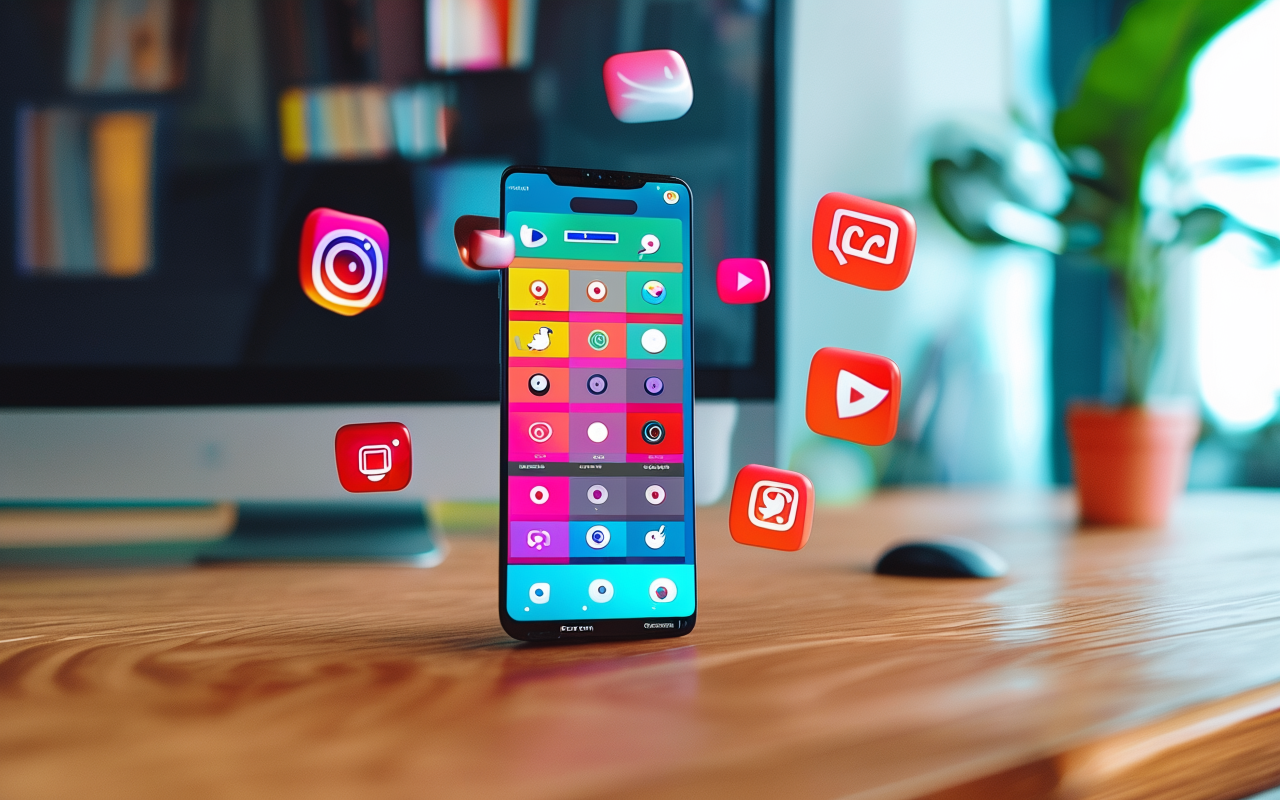
AI video for social media: what actually works for engagement in 2025
I tested 6 different AI video styles across TikTok, Instagram, and YouTube Shorts. Here's what got views, what got ignored, and why.
I spent March running an experiment. I took the same product — a simple phone stand — and made AI videos in 6 different styles. Then I posted them to TikTok, Instagram Reels, and YouTube Shorts to see what actually got engagement.
Here's what I learned.
The 6 styles I tested
For each style, I generated one video using MakeClipAI, kept the prompt structure similar, and only changed the visual direction:
- Cinematic product shot — slow motion, dramatic lighting, premium look
- Fast-cut demo — quick scenes showing the product being set up and used
- Lifestyle scene — the product in a "natural" setting, like a coffee shop or home office
- Text-overlay explainer — minimal visuals, heavy on on-screen text (the hook, the benefit, the deal)
- Before/after — side-by-side or sequential comparison of the problem and solution
- Pure product b-roll — just the product spinning, zooming, floating on a clean background
What won on TikTok
TikTok was the most predictable platform. The results were clear:
Winner: Fast-cut demo. The 6-second video with 3 quick cuts showing the phone stand being unfolded, placed on a desk, and holding a phone got 3,400 views in 48 hours.
Runner-up: Text-overlay explainer. The video with the first frame showing "Stop holding your phone like this" in bold white text got 2,100 views. People stopped scrolling to read it.
Dead last: Cinematic product shot. The slow-motion, dramatic lighting version got 340 views. It looked beautiful — but nobody watched past the first second. Too slow for TikTok.
What won on Instagram Reels
Instagram surprised me. The results were different from TikTok:
Winner: Lifestyle scene. The video showing the phone stand on a coffee shop table, next to a latte and a notebook, got 1,800 views and 47 saves. People saved it. That never happens with my other content.
Runner-up: Fast-cut demo. Same as TikTok, it performed well. But the lifestyle version had better engagement rates (saves and shares).
Dead last: Pure b-roll. The product spinning against a white background got 211 views. Instagram's algorithm seemed to deprioritize it immediately.
What won on YouTube Shorts
YouTube Shorts had the smallest sample size — only about 500 views per video — but the pattern was different:
Winner: Before/after. The video showing a messy desk, then cutting to the organized version with the phone stand got the highest average watch time (67%). People stayed to see the transformation.
Runner-up: Fast-cut demo. Again, consistent performer. But the before/after format kept people watching longer.
Dead last: Cinematic product shot. Same as TikTok. Beautiful but boring.
The big pattern I noticed
Across all three platforms, one thing was consistent: fast, clear, and simple beats polished and pretty.
The cinematic style looked the most "professional." It had the most dramatic lighting, the smoothest motion, the best production value. And it was the worst performer everywhere.
The fast-cut demo, which was the least polished but the most informative, won on two out of three platforms and was second on the third.
Here's what I think is happening: AI video can look really good now. But "good-looking" and "scroll-stopping" are two different things. On social media, people stop for information or emotion — not production value.
Practical takeaways
If you're making AI video for social media, here's what I'd do based on this experiment:
For TikTok: Use fast cuts. 3 scenes in 6 seconds. Hook in the first frame. Text overlay on the opening shot.
For Instagram Reels: Put your product in a real context. A desk, a kitchen counter, a coffee shop. Lifestyle sells on Instagram.
For YouTube Shorts: Lead with the "before." Show the problem clearly. The transformation is what keeps people watching.
For all platforms: Skip cinematic styles unless you're doing brand awareness for a luxury product. Even then, I'd test fast versions first.
What I changed after this experiment
I used to spend time making each video look as polished as possible. Now I spend that time making more variations instead.
My current routine:
- Write the hook as a text overlay
- Build 3 fast-cut scenes around it
- Generate 3 versions
- Pick the best one
- Upload with a short, punchy caption
- Move on
No more tweaking lighting. No more re-prompting for "cinematic 4K." Just clear, fast, useful videos.
Related reading
-
How I make TikTok ads with AI — a practical 10-minute workflow for social ad creation
-
From prompt to video: my complete AI video workflow for Instagram — scene mapping and publishing for Reels
-
AI Director mode: multi-scene storytelling — automatically break your idea into a storyboard with hooks, demos, and CTAs
One more thing
Different platforms genuinely want different things. I used to make one video and post it everywhere. That was a mistake. The same video that works on TikTok will underperform on Instagram, and vice versa.
Now I spend an extra 3 minutes adjusting the format for each platform. Shorten the scenes for TikTok. Add a lifestyle setting for Instagram. Start with the "before" for YouTube Shorts.
That extra 3 minutes doubles my engagement rates consistently.
Want to run your own test? MakeClipAI is free to start — try different styles and see what your audience actually watches. For multi-scene Shorts, Reels, or TikTok ads, use AI Director mode to turn one idea into a storyboard.
Ready to create your own AI video?
Turn the ideas from this guide into a finished clip with MakeClipAI. Start with the generator for a quick prompt, or use AI Director mode when you want a multi-scene storyboard.
More Posts

From prompt to video: my complete AI video workflow for Instagram
I make 5 AI videos for Instagram every week. Here's my complete workflow from blank page to published Reel — including the prompts I use.
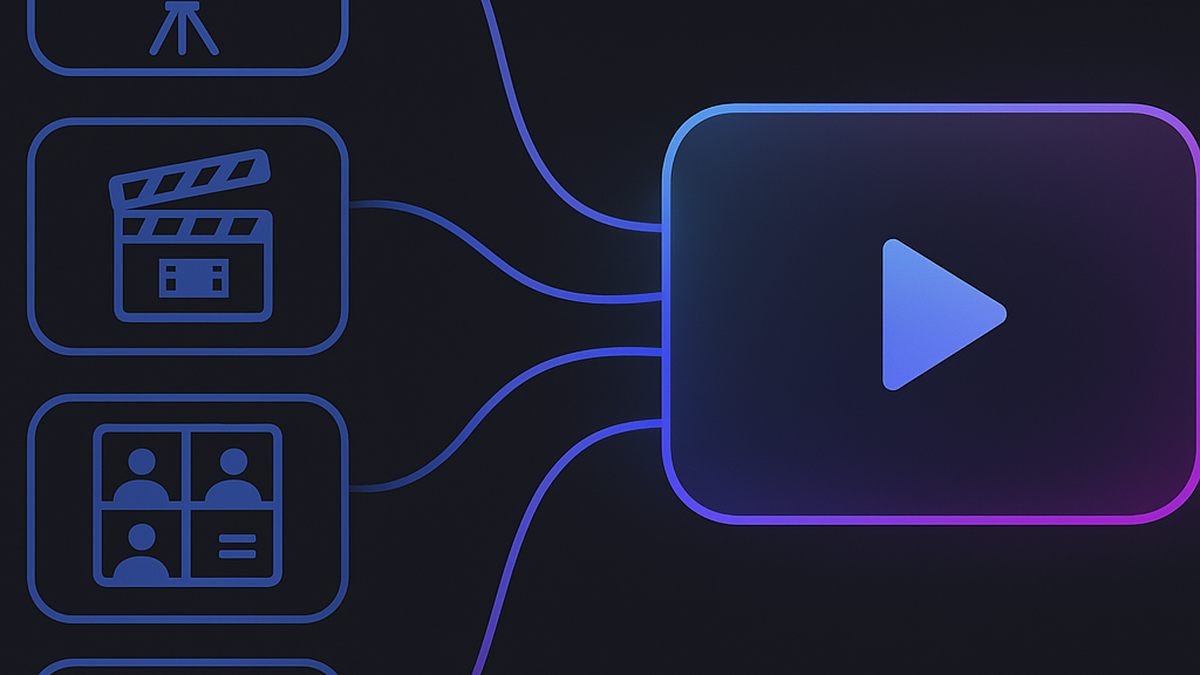
How to make a multi-scene video with AI Director (one brief in, full video out)
AI Director splits your idea into a storyboard, routes each scene to the right model, and generates a complete multi-scene video. Here's the step-by-step process with a real example.