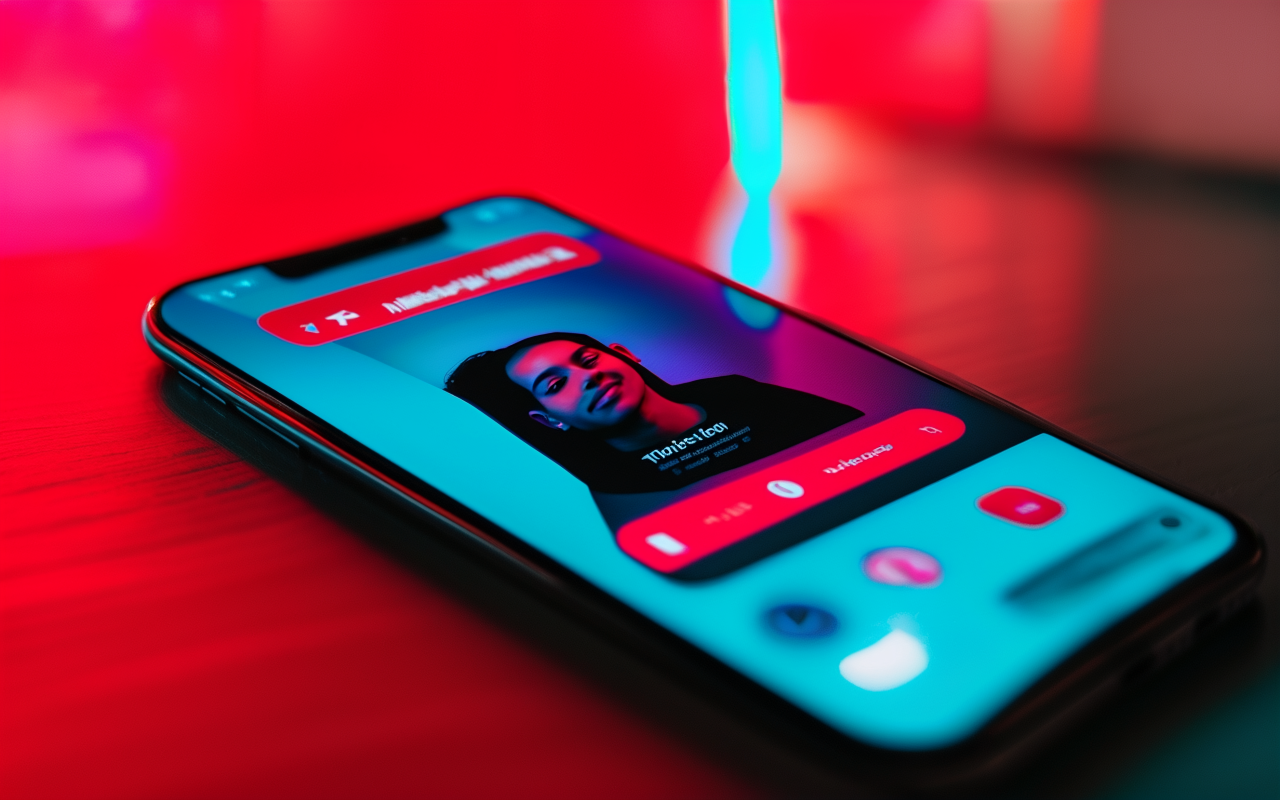
How I make TikTok ads with AI in under 10 minutes (real workflow)
I run a small online store and I'm not a video person. Here's my exact 10-minute workflow for making TikTok ads with AI — from prompt to publish.
I sell small home organization products. Think shelf dividers, drawer inserts, under-sink racks. Not exactly viral content material.
For months, my TikTok strategy was: film myself installing a product on my kitchen counter, upload raw footage, and hope someone watches past the first three seconds.
It worked sometimes. But it took forever — 40 minutes to set up, record, and trim the clip. And honestly, my face on camera wasn't driving sales. The product was. That's when I realized I didn't need to be the star of the ad. I just needed a good visual.
Here's the 10-minute workflow I use now.
Step 1: Write the hook as a sentence, not a script
I used to write full ad scripts. "Hi, I'm Sarah and today I'm going to show you how this under-sink organizer..."
Nobody watches that. TikTok viewers decide in under a second whether to keep scrolling.
Now I write my hook as one sentence — the problem, visually:
"Drawer so messy you can't find the ladle?"
That's it. No intro. No warm-up. The AI takes that sentence and builds a visual around it.
Time spent: 1 minute.
Step 2: Turn the hook into a scene-based prompt
Instead of typing one long prompt, I break it into scenes. Each scene is 2-3 seconds. Here's what I write for a shelf divider ad:
Scene 1 (2s): Messy kitchen shelf with cans and boxes toppling over. Frustrating vibe, dim lighting, close-up on the chaos.
Scene 2 (2s): Cut to a clean shelf with the divider installed. Everything upright and organized. Bright lighting, product in center frame.
Scene 3 (2s): Final shot — the product alone on a white background with text overlay: "From chaos to calm in 5 seconds."
That's three scenes. Six seconds total. Perfect for TikTok.
Time spent: 2 minutes.
Step 3: Generate with the right model for short clips
I've learned that not all AI models are good at short, punchy clips. For TikTok (5-8 seconds), I use models that handle fast scene transitions and keep the product looking consistent.
MakeClipAI lets me pick the model per scene, but for short ads I usually keep it simple: one model for all scenes, generate 3 variations, pick the best.
Time spent: 3 minutes.
Step 4: Add captions and music in CapCut
The AI gives me clean video. But for TikTok, I always add:
- Auto-generated captions (people watch without sound)
- A trending audio track (this matters more than the video quality sometimes)
- A text overlay of the hook on the first frame
I take the AI clips into CapCut, slap those three things on, and export. Total editing time: about 3 minutes.
Time spent: 3 minutes.
Step 5: Upload and schedule
I post directly to TikTok with a simple caption: the problem + the solution link. No hashtag spam. Just one or two relevant tags.
Time spent: 1 minute.
What the numbers look like
I've been running this workflow for about 6 weeks. Here's what I'm seeing:
- Average time per ad: 9 minutes (I timed it)
- Videos produced per week: 7-8 (one per day)
- Best ad: 14k views, 23 link clicks, 4 direct sales from a $0 ad spend
- Worst ad: 87 views, 0 clicks (it happens)
The biggest surprise? The ads I thought would flop sometimes outperformed the ones I carefully planned. Volume beats perfection on TikTok.
When this doesn't work
Let me be honest about the limits:
- Talking-head reviews: If you need a person holding the product and talking, film that yourself. AI avatars aren't there yet for authentic TikTok.
- Ultra-specific brand aesthetics: If your brand has very strict visual guidelines (specific colors, fonts, lighting), AI video needs more time to tune.
- Organic UGC style: The "grainy iPhone video" look that works on TikTok? AI makes things too clean. Sometimes that hurts engagement.
Related reading
- AI video for social media: what actually works — see which TikTok styles drive views and engagement
- Best AI video generator for small business — a hands-on comparison of tools for social ads
- AI Director mode: multi-scene storytelling — turn a single script into a complete video ad automatically
Bottom line
You don't need a film crew, an editor, or even a good phone camera to make TikTok ads anymore. You need a clear hook, a structured prompt, and 10 minutes.
I went from making one video a week to making one a day. And my sales are better for it.
Want to try the workflow? MakeClipAI is free to start — no experience needed. If you want a complete ad structure instead of a single prompt, try AI Director mode.
Ready to create your own AI video?
Turn the ideas from this guide into a finished clip with MakeClipAI. Start with the generator for a quick prompt, or use AI Director mode when you want a multi-scene storyboard.
Author
Categories
More Posts

How to make YouTube Shorts with AI (from one product photo to a finished Short)
I post AI-made YouTube Shorts three times a week without a camera or editor. Here is my exact process — pick the right photo, write a 3-beat script, generate vertical clips, publish.
How to make product demo videos with AI (step by step, no editing skills needed)
I'm not a video editor. But I make product demo videos for my store every week using AI. Here's the exact step-by-step process I follow.